
Set up the operating context
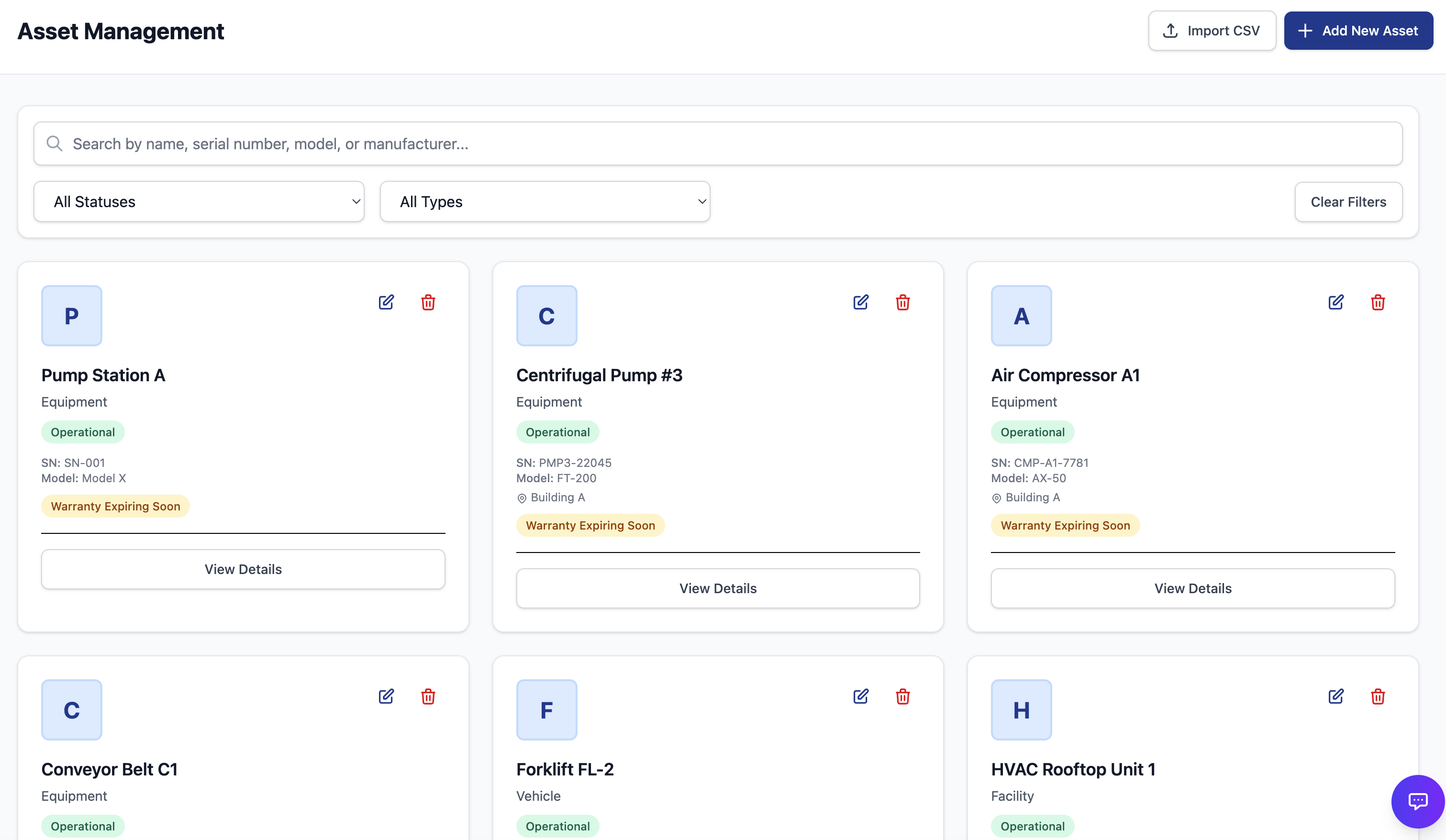
Put the plant structure in one place.
Equipment, locations, parts, and people give every work record a clear home. Lexite can help prepare the site before go-live.
●From site setup to the next shift
Lexite helps prepare OWL for your site. Your team plans maintenance, completes work on the floor, and uses the completed record when planning what comes next.
Set up the operating context
Equipment, locations, parts, and people give every work record a clear home. Lexite can help prepare the site before go-live.
Plan before work is due
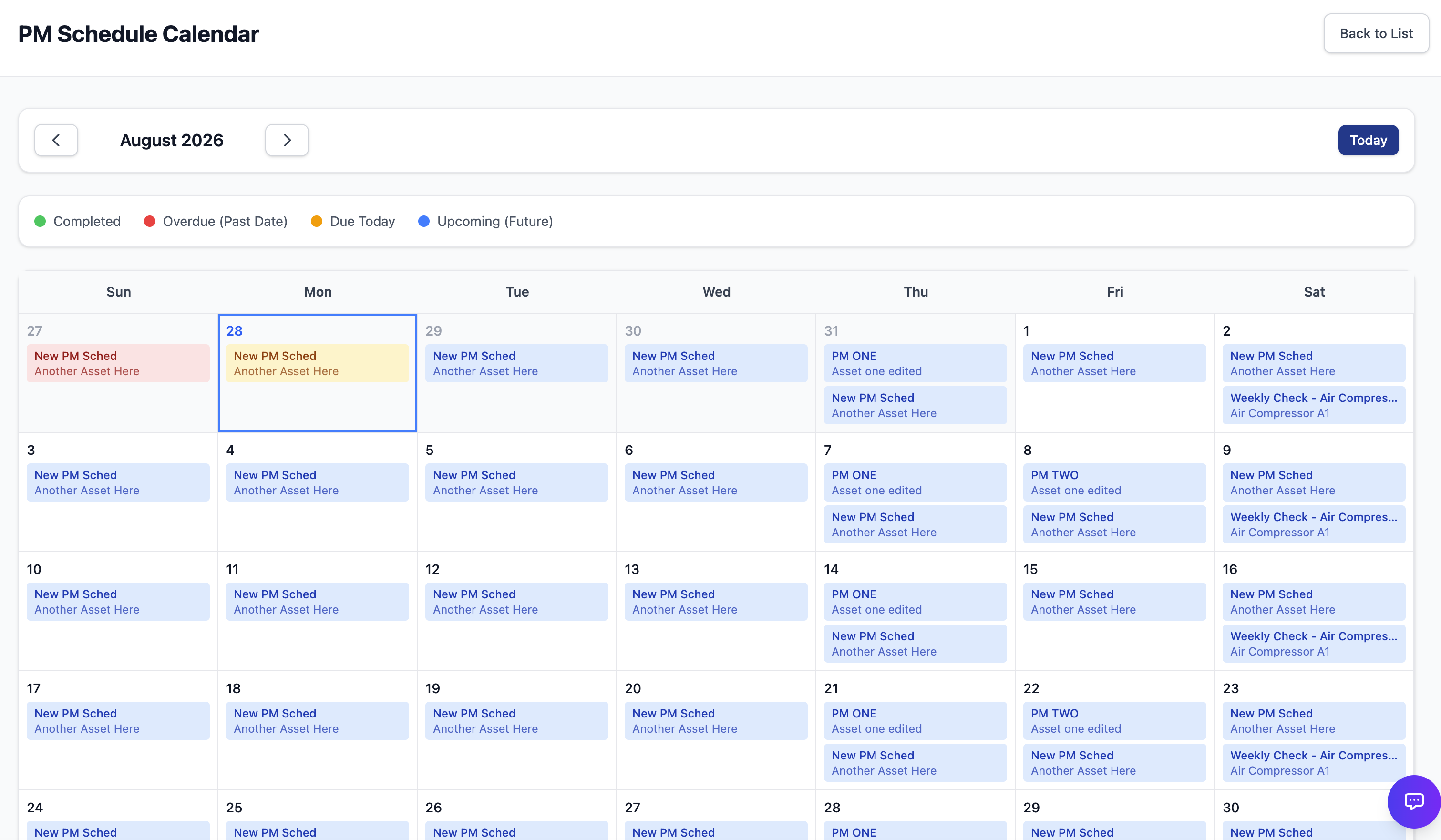
Preventive schedules organize recurring work. The calendar shows planners what is due without rebuilding the plan in a spreadsheet.
Plan signal
Due work stays visible.
Schedule context stays attached to the preventive work it creates.
Execute where the work happens
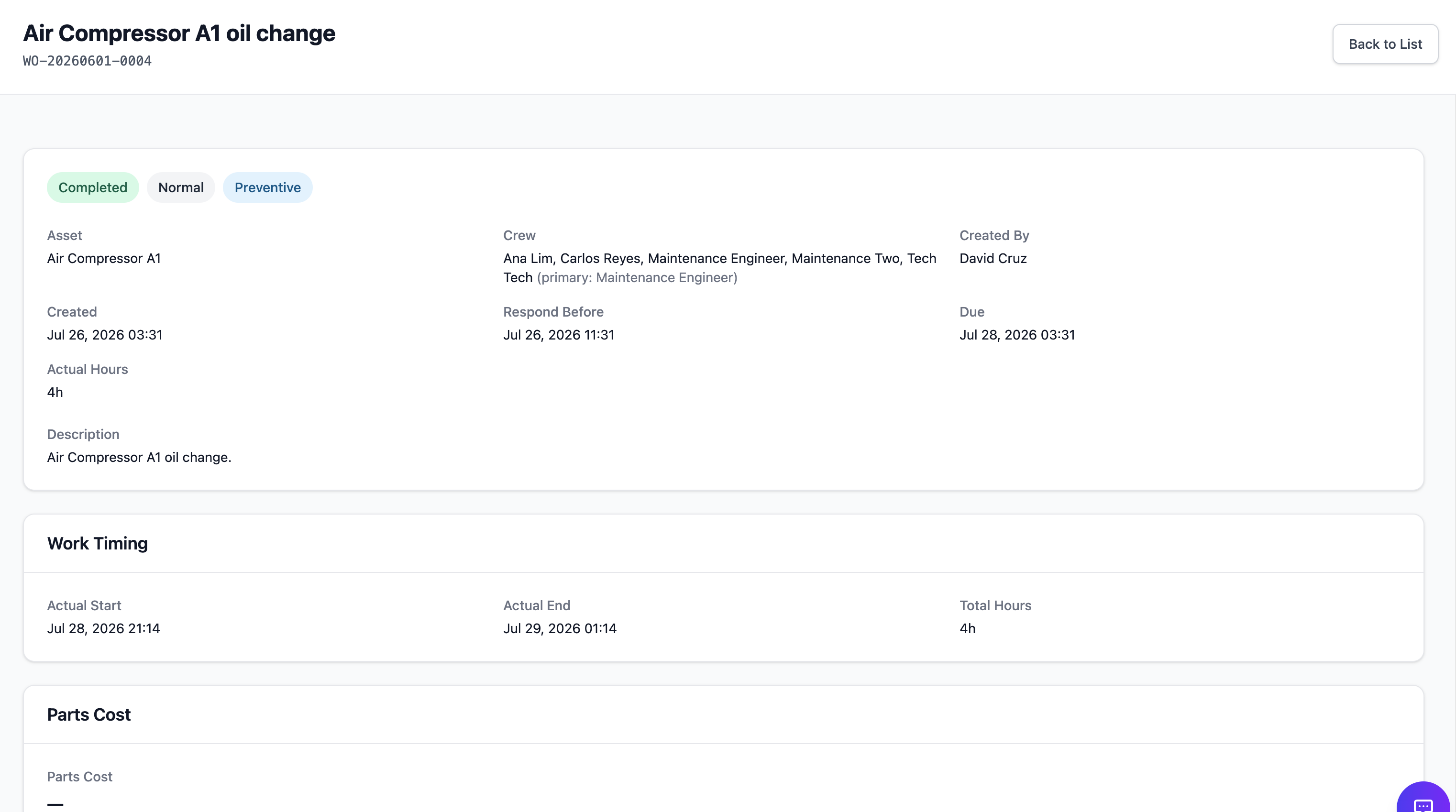
Technicians can accept, start, update, and complete assigned work from a responsive screen, while the detail record keeps the task context together.
Improve with the completed record
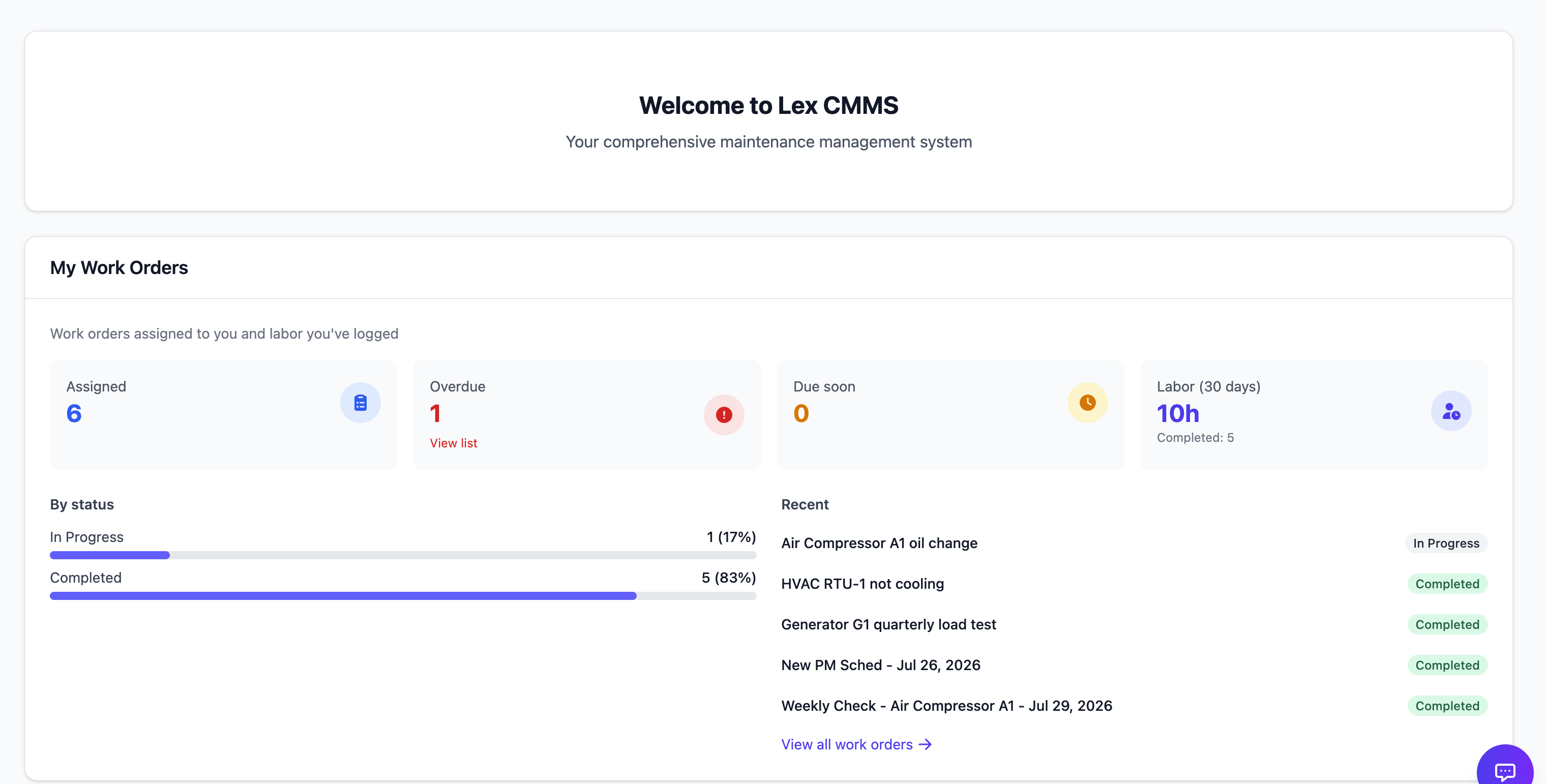
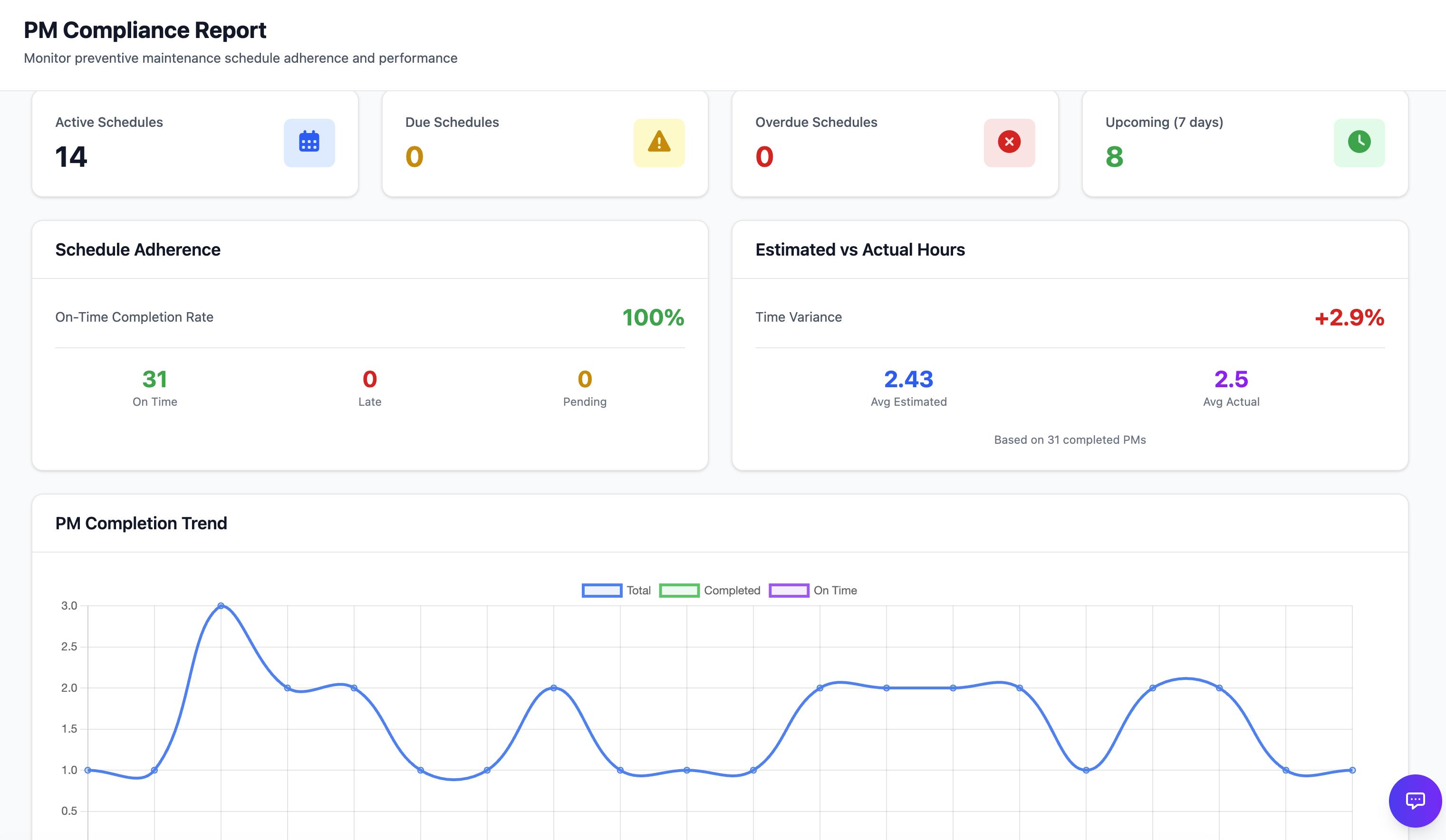
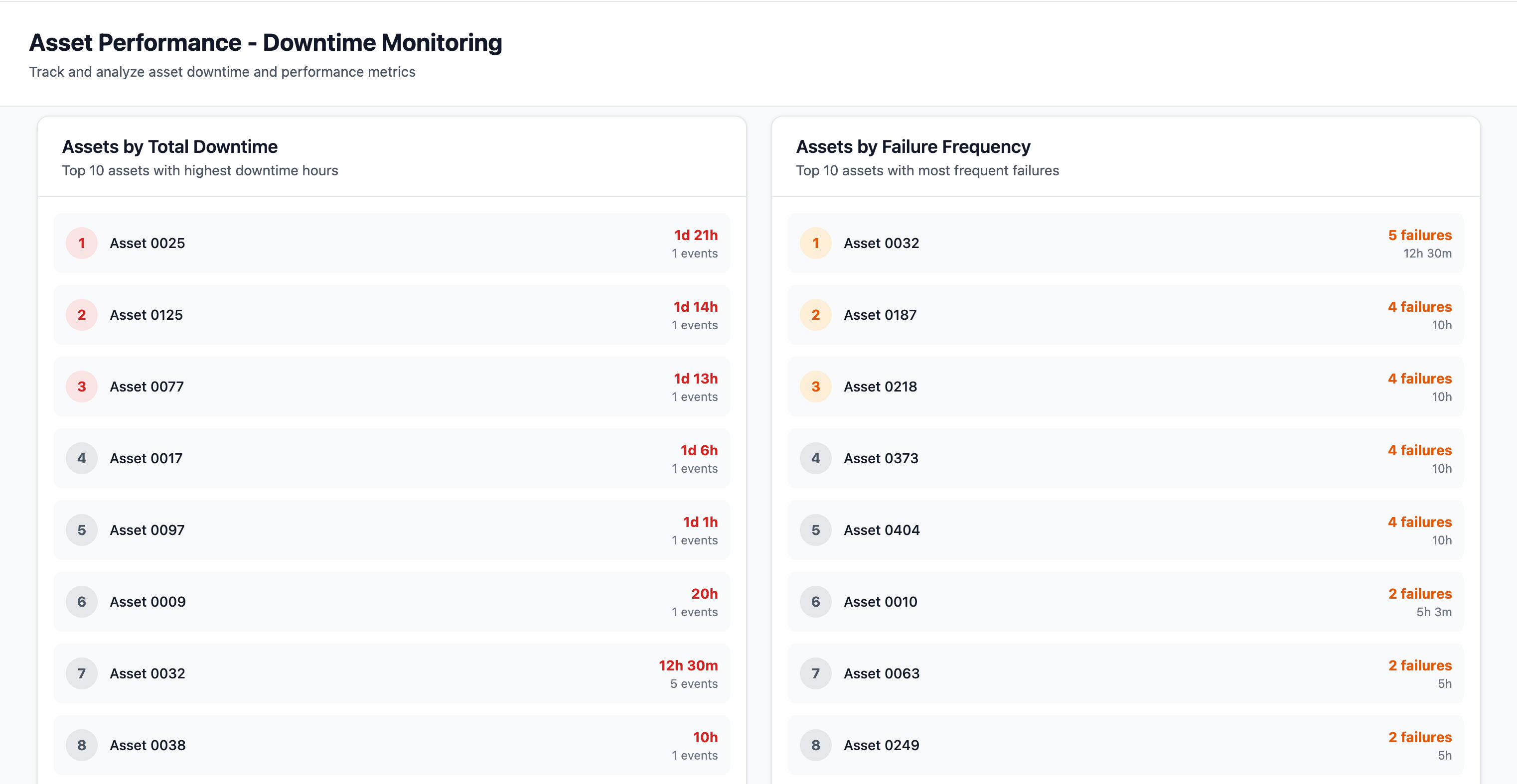
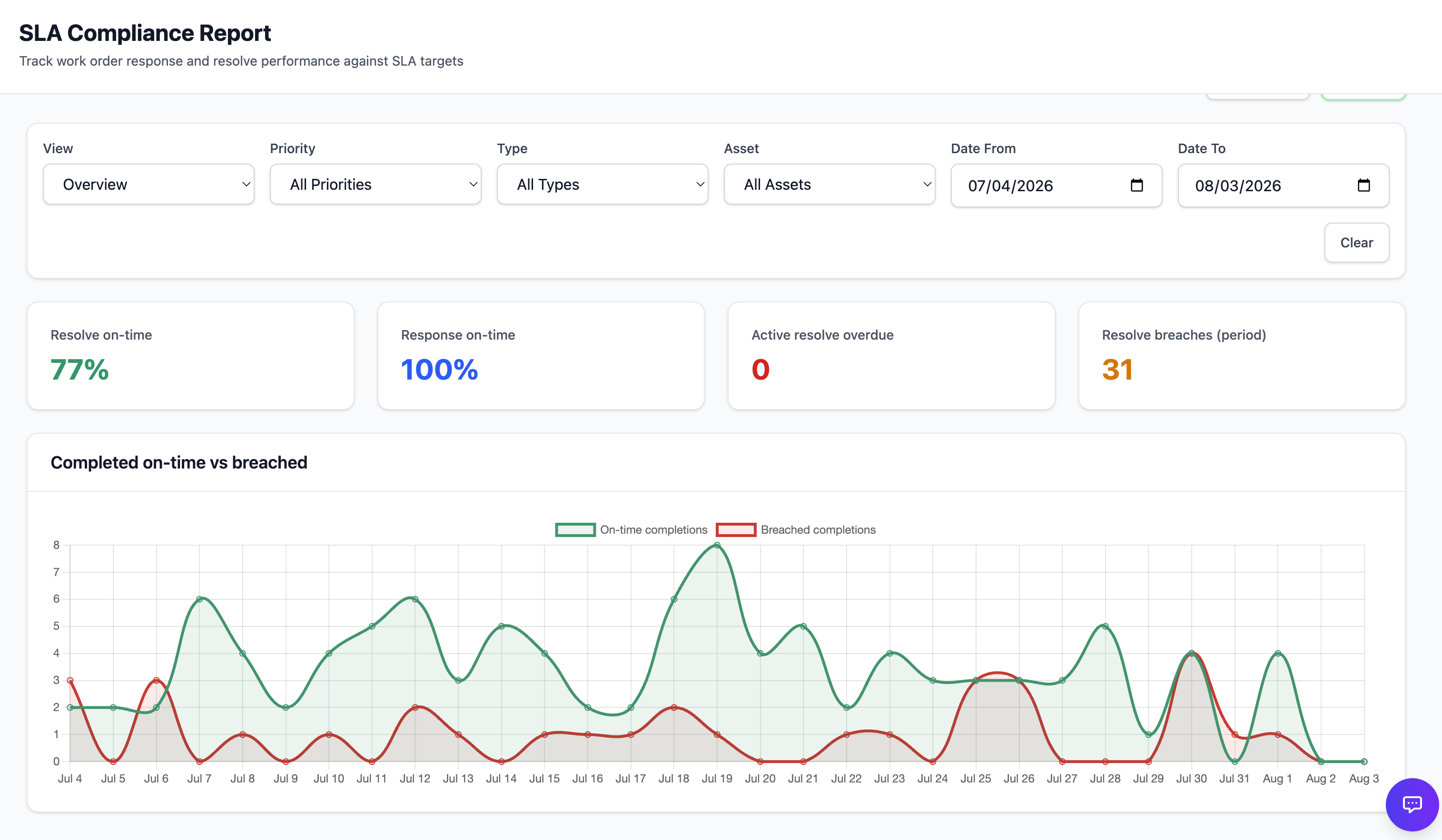
Managers review the same work record the floor created. Reports show recurring misses and downtime before the next planning cycle.
Use the record again
Use what happened to plan the next schedule, assignment, and shift.
One work record
Work context and completion history stay together.
Any device
Responsive workflows support the office and the floor.
Your rollout
Lexite shapes setup and the walkthrough around your operation.
See the work in your own context
Request a guided demo. We will focus on your assets, maintenance routines, floor roles, and reporting needs.